Getting Started
Welcome to Qrunner docs! These pages will cover everything about Qrunner, resources, tutorial, and more to get you up and running to Qrunner platform.
Get started by creating a simple commands based on our pre-defined example.
Create New Command
- Assumed you've registered to Qrunner, and created an organization in Qrunner.
- Next, fork this repository (qrunner-example) to your Github account.
- Login to Qrunner App through dashboard
- You'll redirected to home page, and click
Create New Commandsbutton - Sync your Github, and allow the access for us to be able to pull your scripts
- After it, you'll be able to see the repository list
- Click and choose
qrunner-examplerepository, and wait until the command rendered with the action lists within it.
Run Your First Action
After you've synced the repository, you'll redirected to actions list page. If you're not redirected. Click on the command, and you'll see list of available actions.
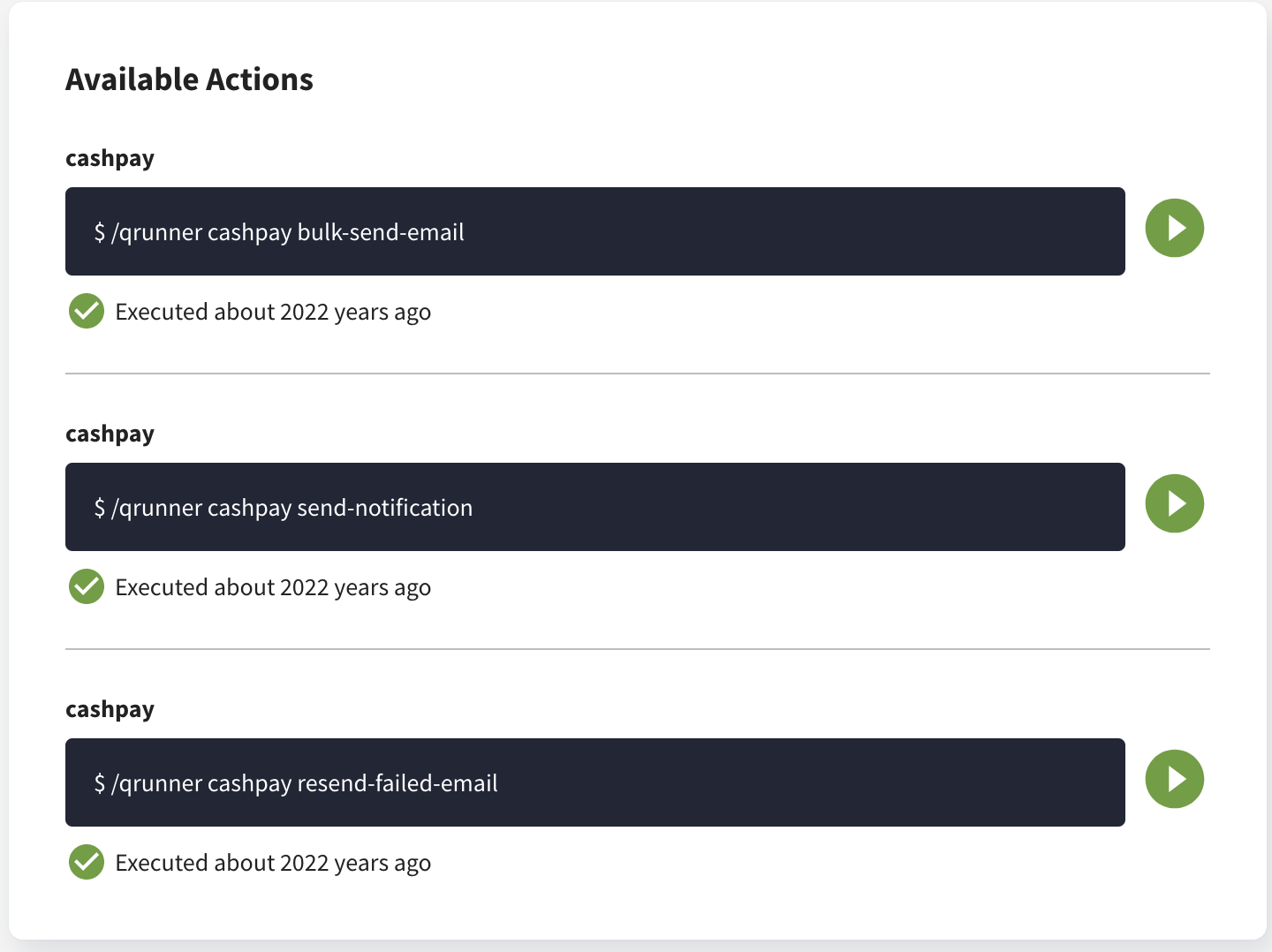
Now you can run your action one by one. You should be able to see the logs by clicking the action name to see the details.